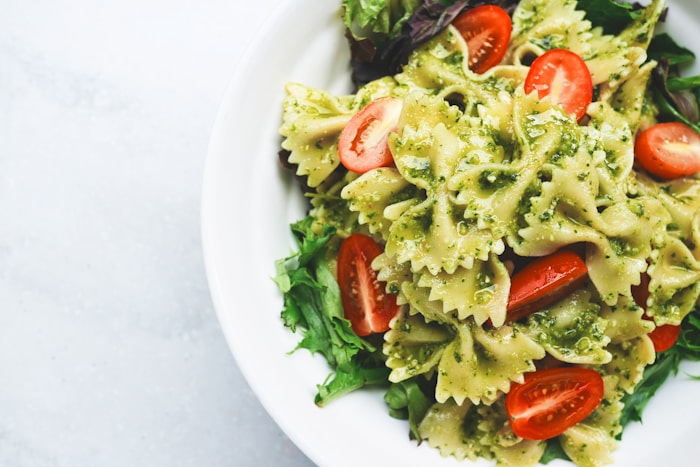
Pesto pasta
20 min

Pesto pasta
20 min
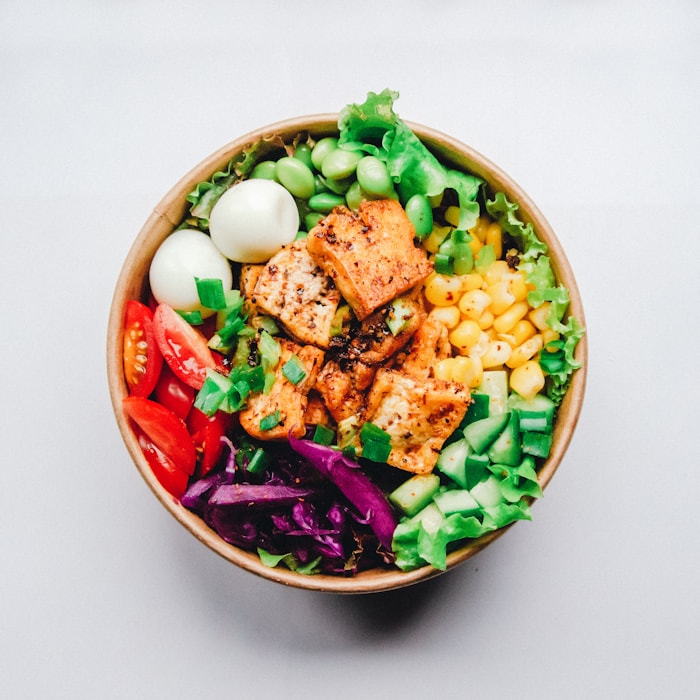
Salmon bowl
Fresh & easy


Chocolate cake
Family favourite


Chicken pizza
Friday night


Berry pancakes
Breakfast


Spicy ramen
30 min


Loaded tacos
Crowd pleaser

From social-media finds to family favourites, Evercook turns every link into a recipe you can plan, shop, and actually cook.

Swipe through the ways Evercook keeps recipes clear, searchable, and ready when you need them.
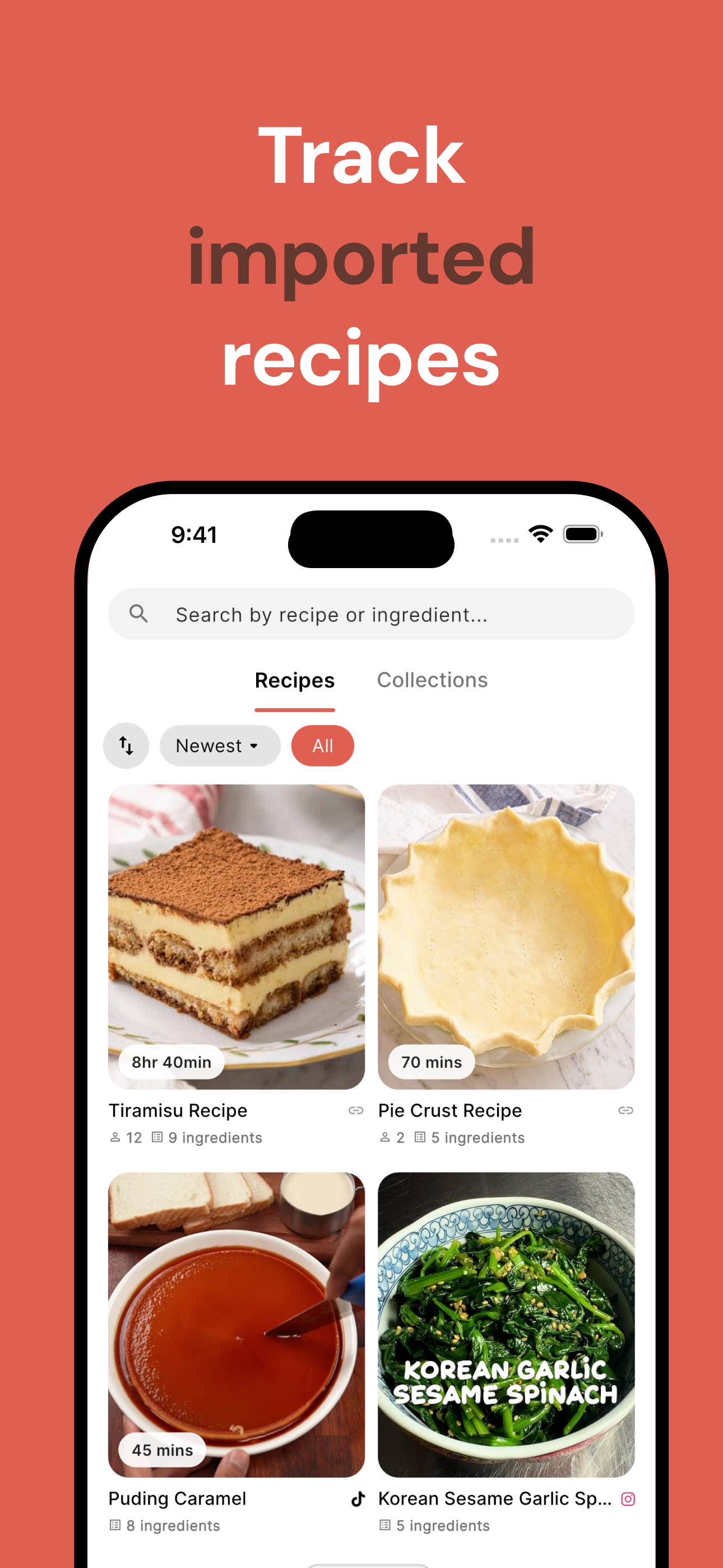
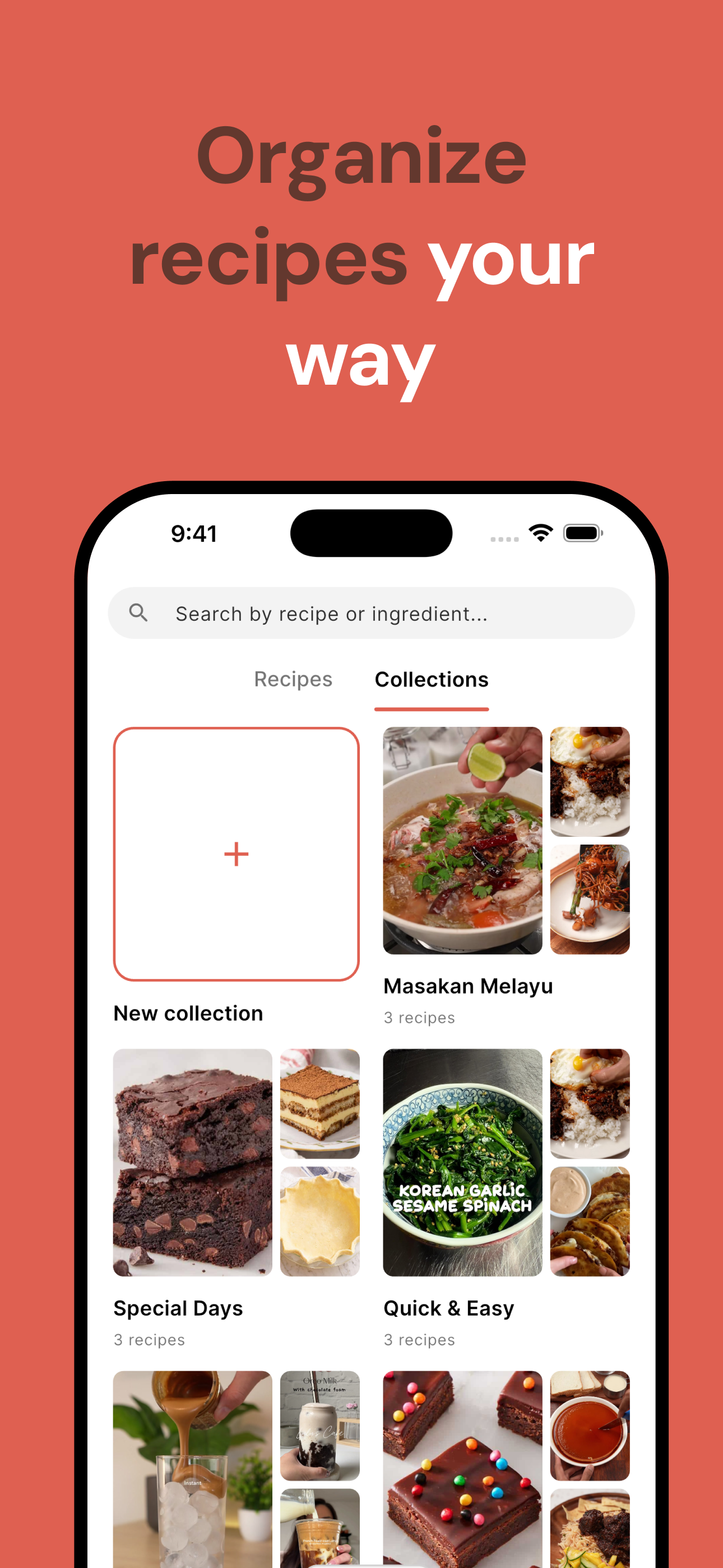
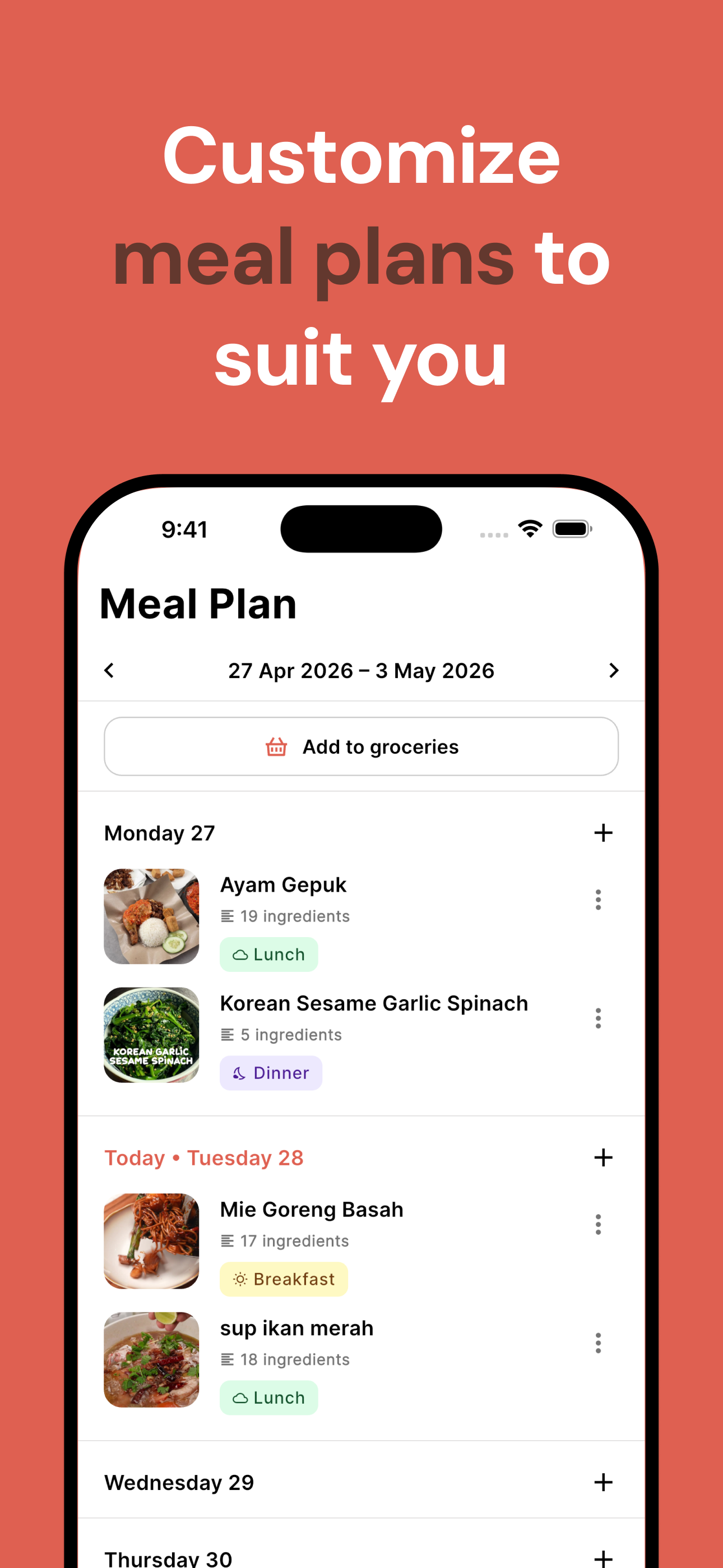
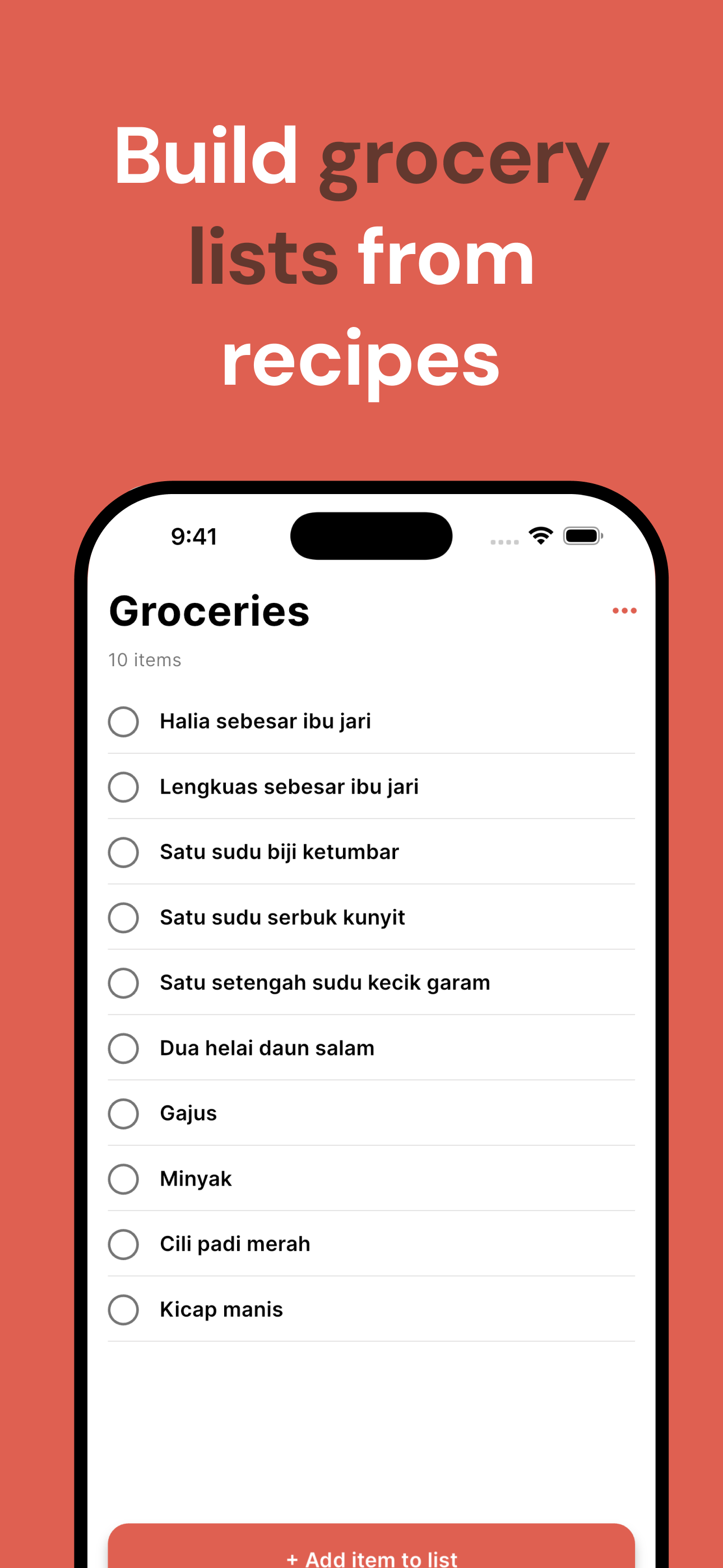
Evercook is a recipe management app that lets you save, organize, and cook your recipes in one place. Import recipes from photos or text, plan your meals for the week, and generate grocery lists automatically.
Yes, Evercook is free to download and use on iPhone and iPad from the App Store.
You can add recipes manually, take a photo of a recipe (from a book or handwritten card), or paste text and Evercook will extract the details for you automatically.
Yes! Every recipe has a shareable link. Anyone with the link can view it and save a copy to their own Evercook account.